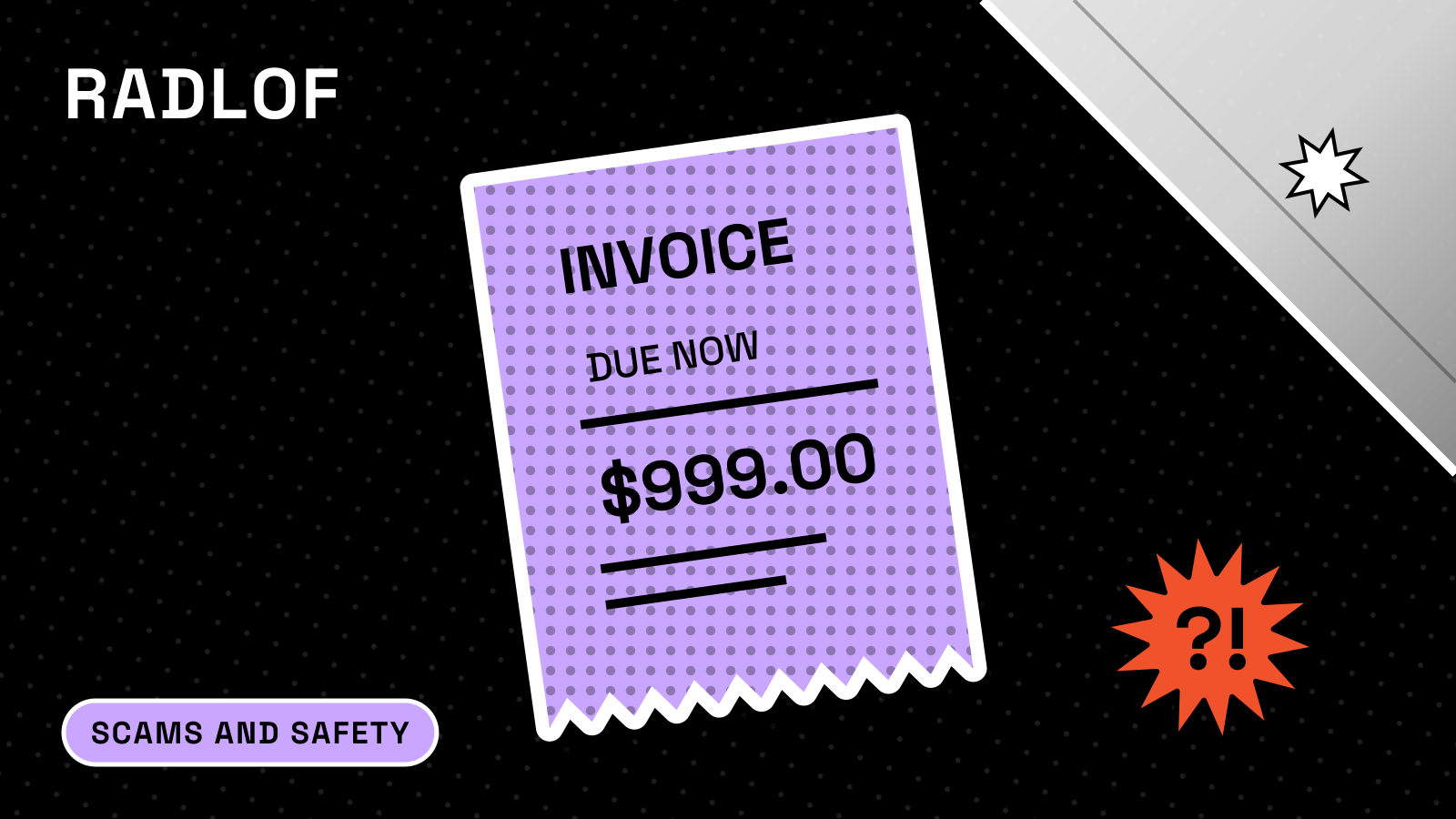
A PayPal invoice scam is a bill or money request for something you never bought, usually with a phone number to call “to dispute the charge.” Don’t pay it and don’t call the number. Log in to PayPal yourself (type the address or open the app), find the request under Activity, and cancel or report it there; PayPal says that is how to check whether any action is really needed (PayPal).
What makes this scam different from ordinary phishing is that the invoice can be real. PayPal says scammers send invoices and money requests “through PayPal” for products you never ordered (PayPal). Anyone with a PayPal account can bill any email address, and the note on the invoice is free text the sender writes. This guide explains how the PayPal invoice scam works, why the usual “check the sender” advice fails, what to do at each stage, and what PayPal’s own rules say about getting money back.
What a PayPal invoice scam looks like
PayPal’s help center lists three versions (PayPal):
- An invoice or money request sent through PayPal for a product or service you never ordered.
- An invoice or request with an alarmist note that tells you to call a “customer service” number quickly to resolve an “issue” on your account. The goal, in PayPal’s words, is to get you to “divulge your personal or financial details over the phone.”
- A fake email designed to look like PayPal, with links and phone numbers that lead to the scammer.
The amounts are chosen to make you react. In a wave the Better Business Bureau tracked in early 2025, invoices said recipients owed nearly $1,000 to a company called “Palomino Bazaar, LLC,” with “view” and “pay” buttons and a phone number to call; the BBB logged about 200 Scam Tracker reports in two weeks (BBB). The Pennsylvania Attorney General warned the same month about fake PayPal invoices, sometimes sent repeatedly, carrying a toll-free number that connects to the scammers (Pennsylvania AG).
The “product” is often software or tech support. The FTC describes fake renewal notices that impersonate Geek Squad, McAfee and Norton and tell you to “call a phone number within 24 hours if you want to dispute the charge” (FTC). Another FTC alert described a PayPal-branded message saying a payment to the crypto exchange Binance had been cancelled, again with a number to call (FTC).
Why a real PayPal invoice can still be a scam
Most anti-phishing advice is about spotting fakes: look at the sender address, hover over links, look for PayPal’s verified checkmark. PayPal itself says an authentic PayPal or Venmo email “includes a checkmark next to our logo in your email inbox view” (PayPal Newsroom), and the Pennsylvania AG told readers to check that the sender is service@paypal.com (Pennsylvania AG).
Those checks tell you whether a message came from PayPal. They cannot tell you whether the person who used PayPal to bill you is honest. When a scammer sends an invoice through PayPal’s own system, the notification is a genuine PayPal message about a genuine invoice. The scam sits inside it:
- The seller name is whatever the scammer registered, often something official-sounding like “Billing Department” or a copy of a well-known brand.
- The note to the customer is free text. PayPal lets invoice senders “add any notes or attachments” and share the invoice by email or as a link “by email, text, or messaging app” (PayPal). That is where the fake phone number and the urgent warning go.
- The amount is set high enough to alarm you, so you call instead of simply ignoring it.
The reverse also happens: a message that looks like a PayPal invoice but was sent from an ordinary email account. Security firm Malwarebytes documented a Geek Squad “PayPal invoice” in October 2025 that came from a Gmail address. It passed the standard email authentication checks only because Gmail’s servers had sent it, which is a reminder that “passed the checks” proves little about who is behind a message (Malwarebytes).
The rule that works for both versions is the same: the invoice itself never tells you what to do next. You check your account through a route you chose.
What happens if you call the number
The invoice is bait for a phone call. The money is lost on the call.
The FTC describes the pattern for fake renewal and refund notices. When you call to cancel the “charge,” the scammer offers a refund, asks for remote access to your computer and your bank details “to process a refund,” then claims they refunded too much and demands the difference back (FTC). With remote access they can make it look as if a large sum landed in your account when it didn’t.
PayPal’s list of things its customer service “will never” do reads like a description of that call. PayPal and Venmo customer service will never (PayPal Newsroom):
- ask for your account info, passwords, validation codes, or card and bank numbers;
- access your device remotely, install a third-party app or software, or create an account on your behalf;
- direct you to send money to “verify” your account, or to another customer through a different payment platform.
PayPal also warns never to send money to a cryptocurrency wallet mentioned in an invoice or money request (PayPal), and says caller ID can be faked, so a call that appears to come from PayPal proves nothing (PayPal Newsroom). PayPal’s customer service number is 1-888-221-1161, and PayPal says it will never call you from that number to ask for personal or account information (PayPal).
The scale is large. In the FBI’s 2025 Internet Crime Report, people filed 47,794 complaints about criminals posing as technical or customer support, with reported losses of $2,134,675,818, up from about $1.46 billion in 2024. Victims aged 60 and over filed 21,333 of those complaints (FBI IC3). Fake invoices with a callback number are one of the ways these calls start.
Red flags in a PayPal invoice or money request
Any one of these is a reason to stop and check your account directly:
| Red flag | Why it matters |
|---|---|
| You don’t recognize the seller or the purchase | PayPal’s first rule: an invoice for something you never ordered, don’t pay it (PayPal) |
| A phone number in the note or seller details | PayPal says not to call any number in an invoice note (PayPal) |
| “Call within 24 hours to dispute” or “your account will be charged” | An invoice is a request; nothing is taken until you pay it |
| Mentions of antivirus, tech support, crypto or gift cards | Common cover stories in tech support and refund scams (FTC) |
| Asks you to pay a crypto wallet address | PayPal says never do this (PayPal) |
| An attachment from a company you don’t know | PayPal warns such attachments may carry malware (PayPal) |
| A generic greeting | Real PayPal emails use your first and last name or business name (PayPal); a scammer’s invoice may still show your name, so this check only catches cruder fakes |
The one point people most often miss: an unpaid invoice costs you nothing. Nobody can take money from your PayPal account by sending you a bill. The pressure to “dispute” it by phone exists only to get you on a call.
How to check whether a PayPal invoice is real
- Don’t use anything in the message. No buttons, links, phone numbers or attachments.
- Open PayPal yourself. Type paypal.com into your browser or open the PayPal app you already have. PayPal’s advice is to “always log in to your account on the PayPal website or the PayPal app to verify if any action is needed” (PayPal).
- Look under Activity. A real invoice or money request sent to your PayPal email appears there. If it isn’t in your account, the email was a fake, and you can forward it to phishing@paypal.com and delete it (PayPal).
- If it is in your account, ask whether you actually bought this. Check your own order emails and bank statements. A seller you have really dealt with can be contacted through the contact details you already have, not the ones on the invoice.
- If the seller claims to be a known brand, find that company’s contact page by searching for it yourself, and ask whether it sent the invoice.
How to cancel and report a PayPal invoice or money request
PayPal’s steps, from its help center (PayPal):
To cancel on the PayPal website:
- Go to Activity and select the money request or invoice.
- Click Cancel, then Yes.
In the PayPal app, open the request and tap Decline.
To report it on the website:
- Select the money request or invoice in Activity.
- Click Report this invoice or Report.
- Follow the steps to finish reporting it.
For a fake PayPal-looking email that isn’t in your account, forward it to phishing@paypal.com, then delete it (PayPal).
Reporting inside PayPal matters because a real invoice came from a real PayPal account, which PayPal can investigate. It also helps to report outside PayPal (see “Where to report” below).
What to do if you already paid, called or gave access
Move quickly, and work from the most urgent step down. For a wider checklist, see our guide to what to do in the first hour after money is stolen.
If you paid the invoice. Open a dispute in PayPal’s Resolution Center straight away. PayPal says canceling a completed payment “is generally not an option because the other party already has the money,” so a dispute is the route; you then have 20 days to escalate a dispute to a claim (PayPal). Be realistic about the outcome: PayPal’s Purchase Protection covers items not received and items significantly not as described, with a 180-day window for most disputes (PayPal Purchase Protection). A payment you made yourself because someone tricked you is not the same thing as an unauthorized transaction under the User Agreement (see the next section), so a refund is not guaranteed. If the PayPal payment was funded by a card, also call your card issuer.
If you called the number and gave card or bank details. Call your bank or card issuer using the number on your card or statement, and ask them to block the card and watch for transfers. The FTC’s advice for tech support scam victims is to contact your bank or card company (FTC).
If you let someone access your computer or phone. The FTC says to update your security software and run a scan, and change your passwords (FTC); start with email, bank and PayPal, from a different device if you can. Turn on multi-factor authentication for PayPal, which PayPal recommends (PayPal Newsroom).
If you shared your PayPal password or a code, and money then left your account without you sending it. Report unauthorized activity in the Resolution Center: choose Report a problem, pick the payment, then I want to report unauthorized activity. PayPal says you should hear back by email within 10 days (PayPal). You can also call 1-888-221-1161.
Watch for a second scam. People who have lost money are often contacted again by “recovery” services promising to get it back for a fee. The FTC says only scammers insist that you pay with cash, gift cards, cryptocurrency, wire transfers or a payment app (FTC), and the FBI’s IC3 says it “will never directly contact you for information or money” (IC3).
Will PayPal refund a scam invoice you paid?
It depends on how the money left your account, and PayPal’s User Agreement draws the line clearly.
An “Unauthorized Transaction,” in PayPal’s definition, is when money is sent from your account “that you did not authorize and that did not benefit you,” such as a payment made by someone who stole your password (PayPal User Agreement). If you pay a scammer’s invoice yourself, you authorized that payment, even though you were deceived. It falls under disputes and Purchase Protection instead, where PayPal decides eligibility “in its sole discretion” (PayPal User Agreement).
The agreement also says that if you give someone your login information and they use your account, “you are responsible for transactions made in this situation” (PayPal User Agreement). That is one more reason never to read out a password or code on the phone.
Timing matters too. For unauthorized transactions and errors, PayPal says to tell it “at once,” and it must hear from you no later than 60 days after it sent the first statement on which the problem appeared (PayPal).
| What happened | Where to go in PayPal | Time limit PayPal sets |
|---|---|---|
| You paid an invoice for something you never received | Resolution Center dispute (Item Not Received) | 180 days from payment |
| You paid and got something significantly different | Resolution Center dispute (Significantly Not as Described) | 30 days from delivery or 180 days from payment, whichever comes first |
| Money left your account without you sending it | Resolution Center: report unauthorized activity | Tell PayPal at once; errors within 60 days of the first statement |
Sources for the table: PayPal Purchase Protection and PayPal dispute timeframes. Rules differ outside the US; check the User Agreement for your country. This is general information, not legal advice; if a large sum is involved, a consumer lawyer or your local consumer protection office can tell you what applies to you.
Where to report a PayPal invoice scam
- PayPal: report the invoice inside your account (see above), and forward fake emails to phishing@paypal.com (PayPal).
- US, FTC: at ReportFraud.ftc.gov. The FTC also asks people to report fake invoices there (FTC). The site says it is unavailable during a government funding lapse; if you can’t reach it, file with the FBI.
- US, FBI: at ic3.gov, especially if you lost money or gave remote access.
- US, phishing emails: forward to reportphishing@apwg.org, which the FTC recommends (FTC).
- UK: forward suspicious emails to report@phishing.gov.uk (GOV.UK). Report losses to Report Fraud at reportfraud.police.uk or 0300 123 2040; it replaced Action Fraud in England, Wales and Northern Ireland in December 2025 (Report Fraud).
- Spain: INCIBE’s free, confidential helpline is 017, open 8:00 to 23:00 every day, also on WhatsApp at 900 116 117 (INCIBE).
How big the problem is
Fake invoices sit inside two larger categories that official data does count. The FTC says people reported losing $3.5 billion to imposter scams in 2025, with nearly $1 billion lost to business impersonators, and about $16 billion reported lost to all fraud, the highest on record (FTC). The FBI counted 191,561 phishing and spoofing complaints in 2025, more than any other crime type, and more than 80,000 complaints about call-center fraud (tech and customer support plus government impersonation) with losses above $2.9 billion (FBI IC3).
PayPal added AI-based scam alerts for Friends and Family payments in July 2025 (PayPal Newsroom). PayPal’s announcement describes them for Friends and Family payments, so don’t count on a warning appearing before you pay an invoice or money request.
For related patterns, see our guides to Zelle business account scams, Coinbase scam calls and the AI scams catalog.
How we checked this
We built this guide from PayPal’s help center, Security Center, newsroom and US User Agreement, FTC consumer guidance and data, the FBI’s 2025 Internet Crime Report, and alerts from the Pennsylvania Attorney General and the BBB, with one security-vendor case study labeled as such. PayPal rules quoted are the US versions. Facts checked on September 29, 2026.